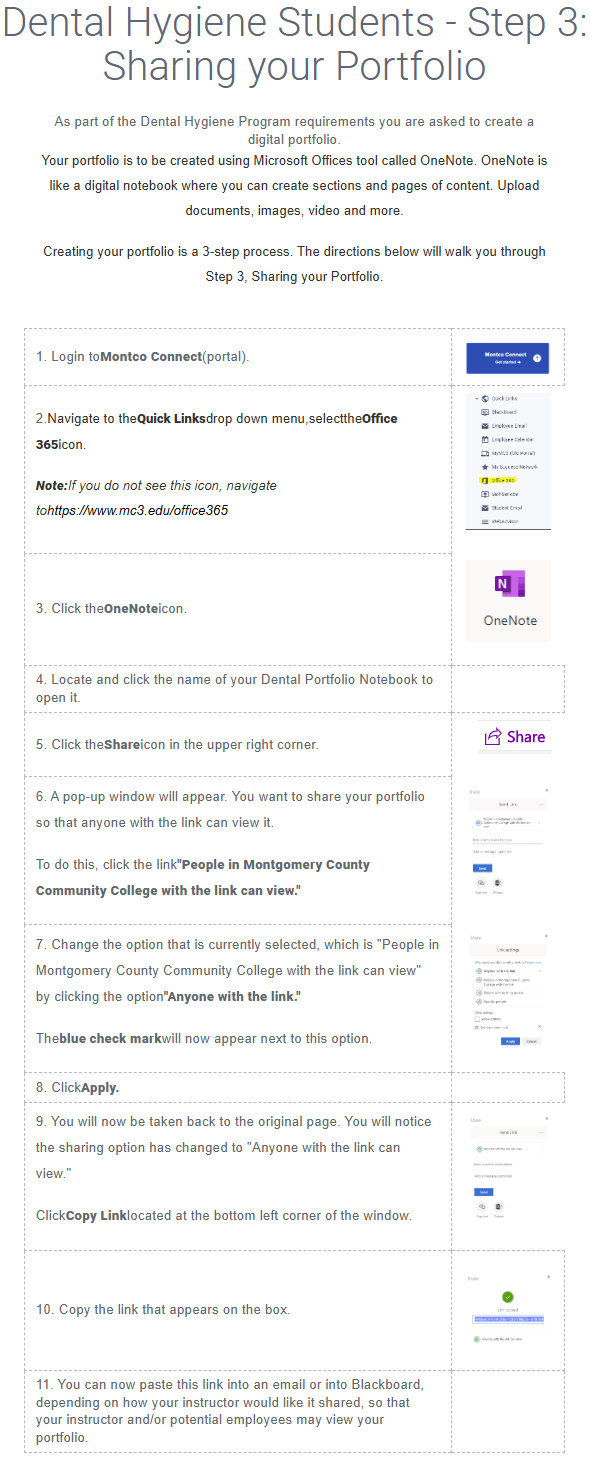
As part of the Dental Hygiene Program requirements you are required to create a digital portfolio.
Your portfolio is to be created using a Microsoft Office tool called OneNote. OneNote is a digital notebook where you can create sections and pages of content, as well as upload documents, images, video and more.
Below are instructions on creating, adding content to, and sharing your portfolio.
/
Creating a Portfolio
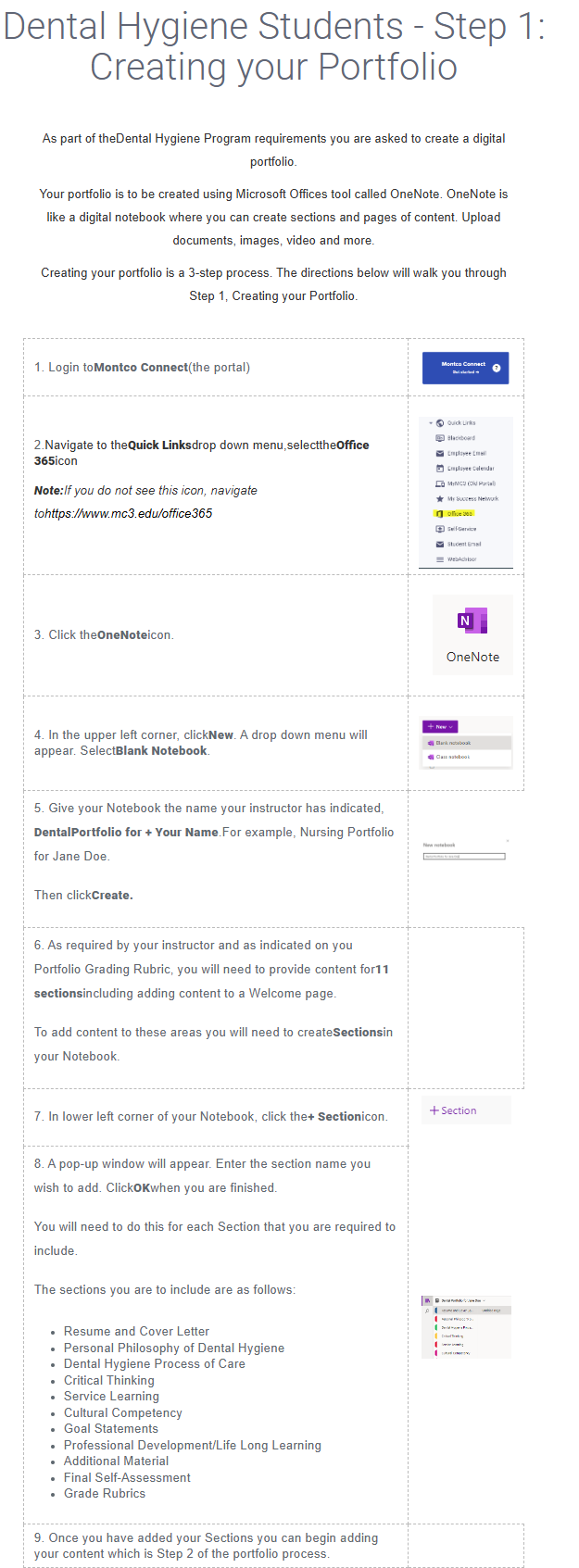
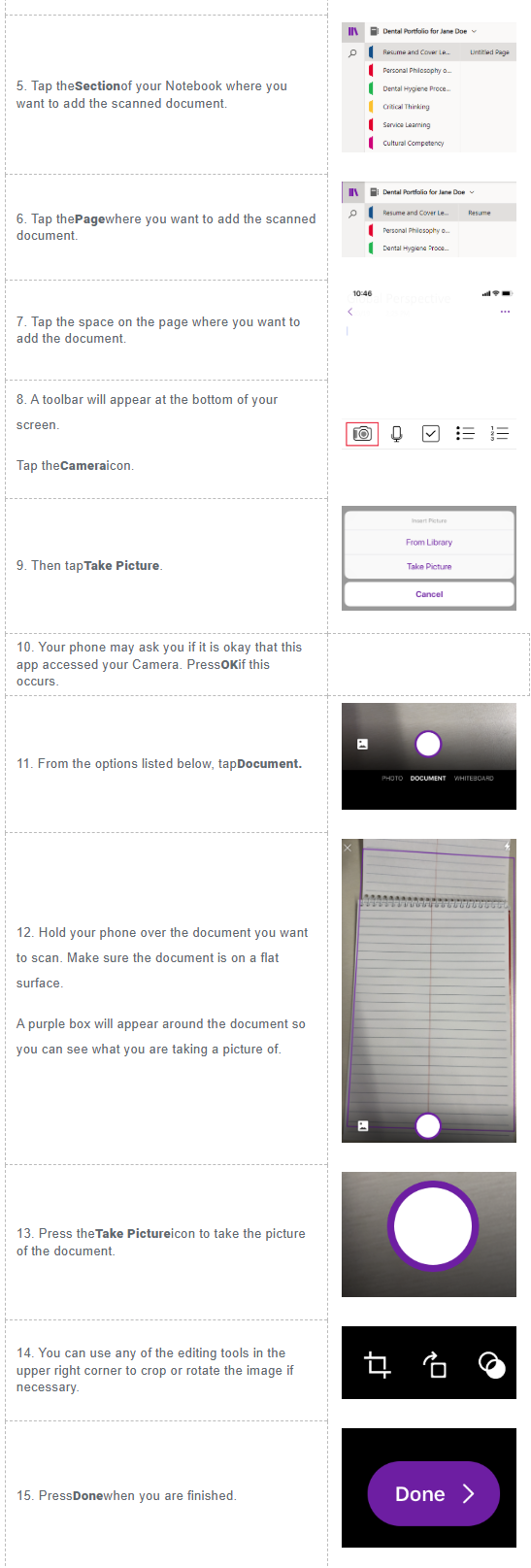
Adding Content to a Portfolio
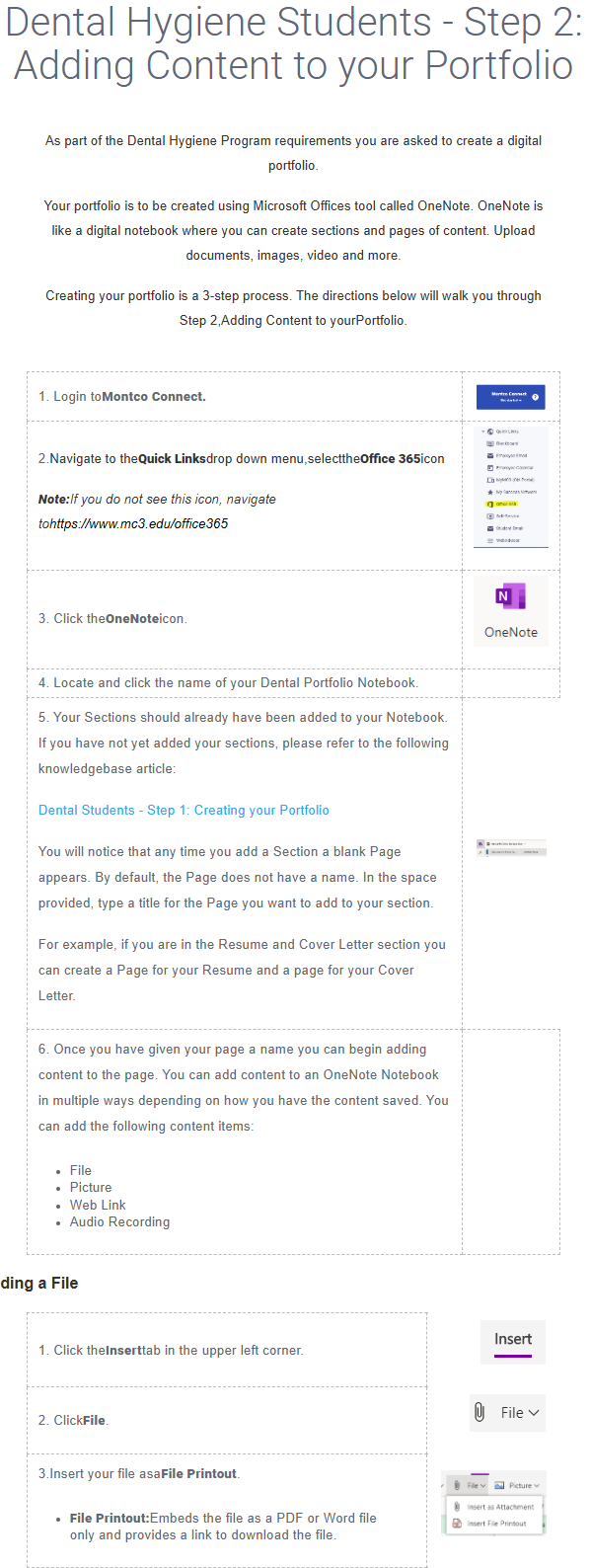
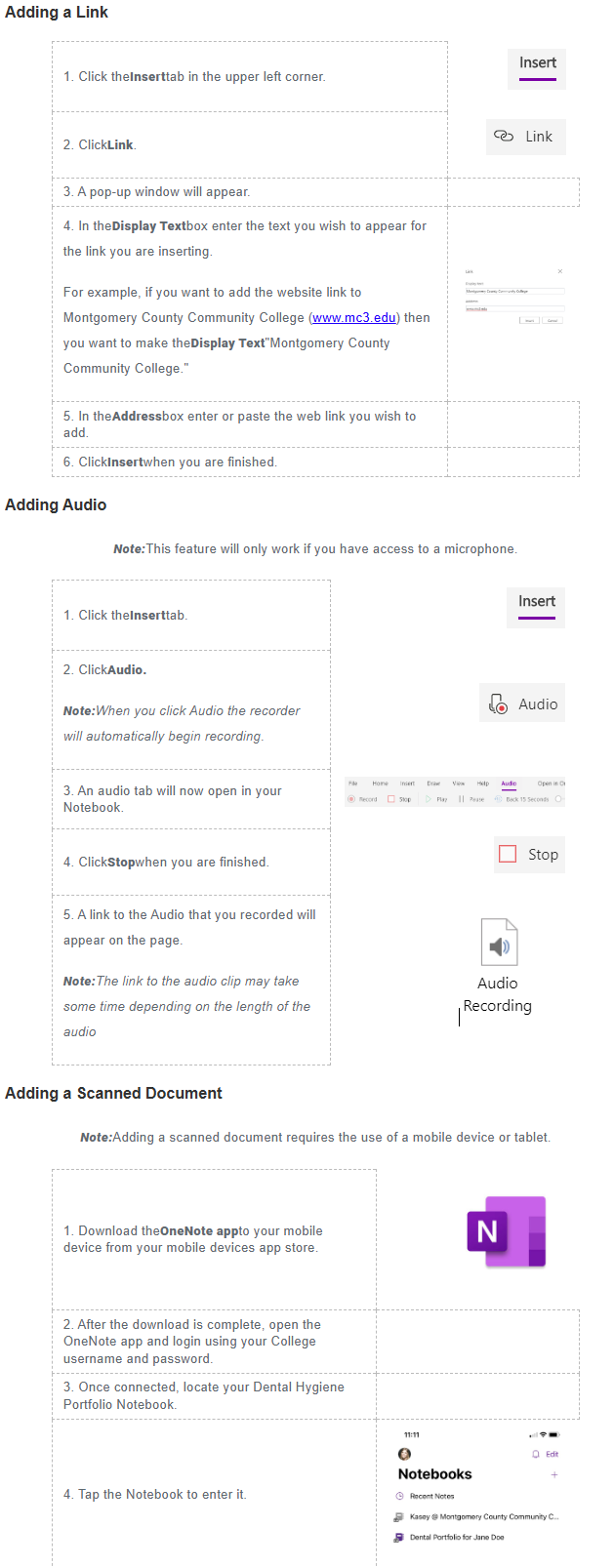
Sharing a Portfolio